A little order. A lot more home.
The house,
handled.
The chores, the shared bills, the “who’s up next?”
One calm place for living together.
Free · iPhone · iOS 26 · Optional household Pro
Make yourself at home
Life together, with a little less admin
Less keeping tabs.
More being at home.
Living together comes with little things to remember.
Quarters gives them a place, so they take up
less of yours.
01 / A fair turn
Your turn.
Then theirs.
Fair and square.
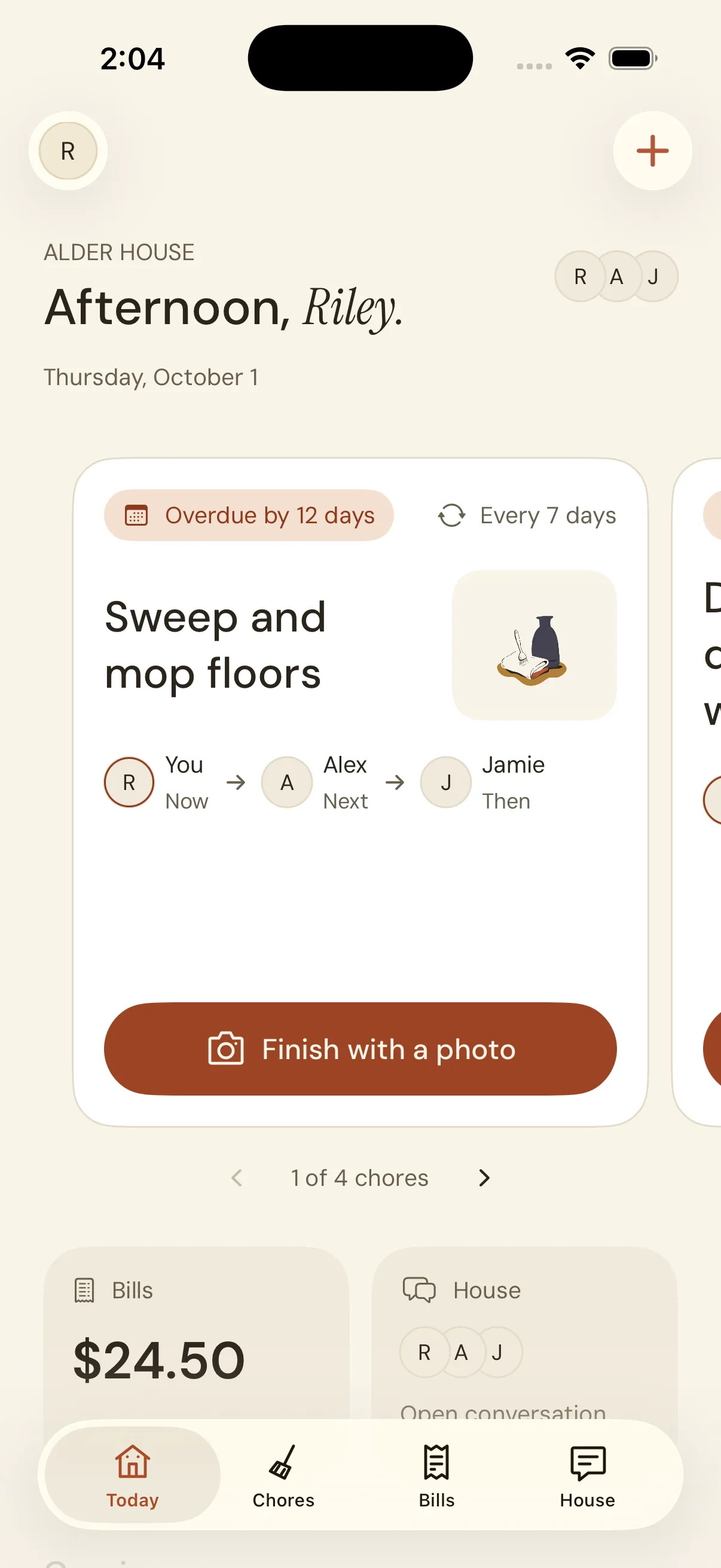
Know what’s yours today and who’s next. Chores rotate through the house, with a clear name and a clear next step.
Swipe through your due chores, one at a time. Nobody has to remember the whole list.
And when it’s done?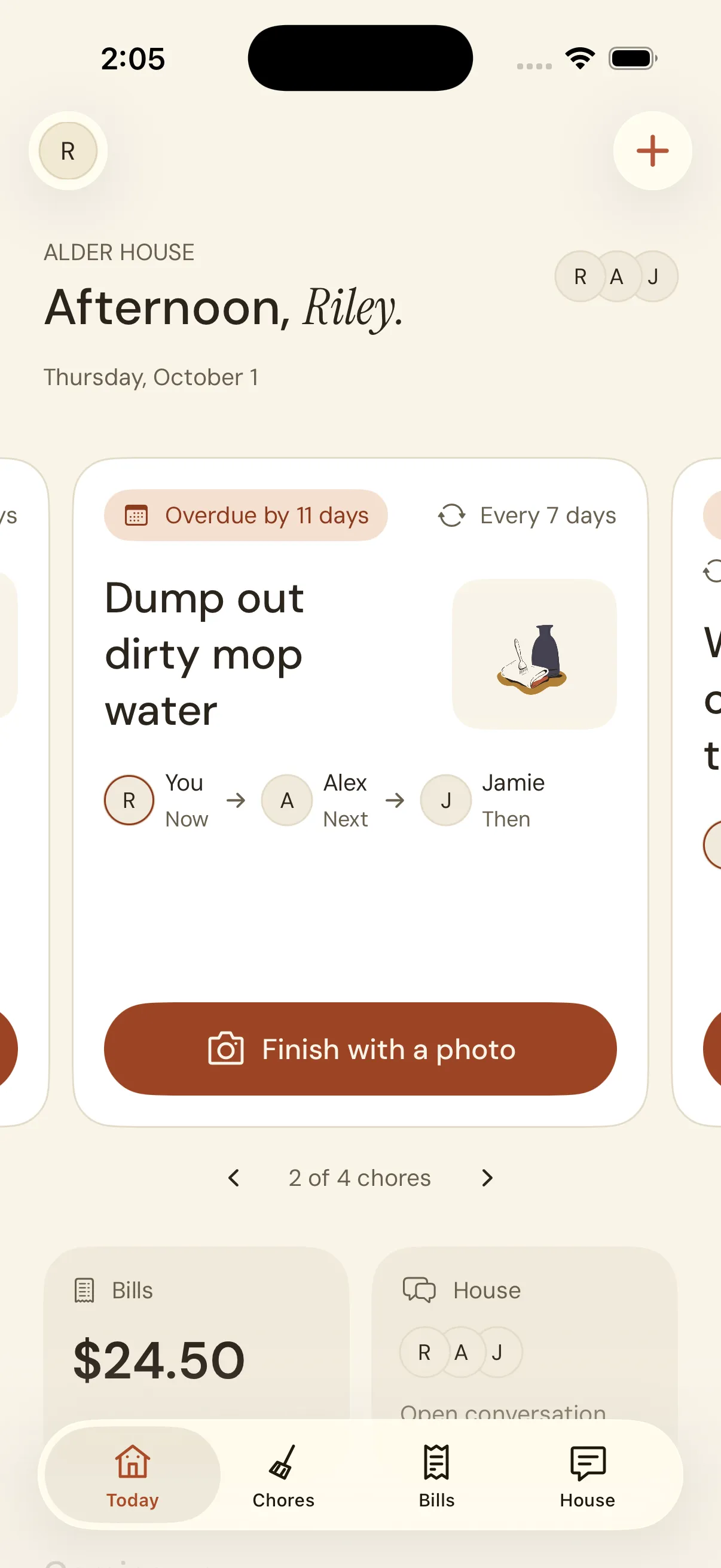
 A little care, made visible.
 Show the care you put in
Done looks
good on you.
Finish each turn with a fresh photo. A little proof for the house, without another “did anyone…?” message.
- 1
Take a photo
Use the camera in Quarters when the job is done.
- 2
Give it a look
Review your shot. Retake it if you need to.
- 3
Share, then hand over
Once the completion is confirmed, the next turn is clear.
02 / Keep it square
Shared home.
Shared costs.
Clear balances.
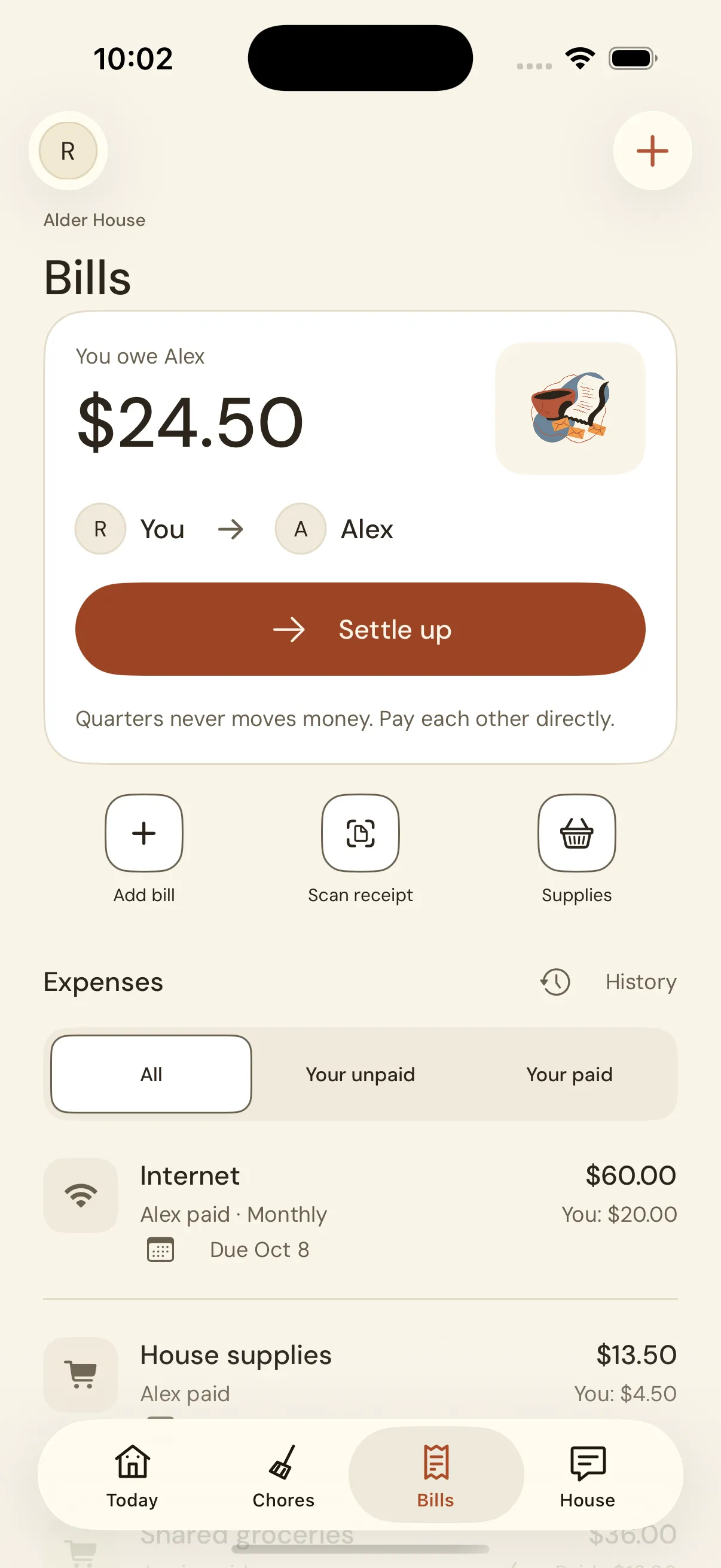
From the internet bill to the last grocery run, see who paid, what your share is, and who you owe.
Keep fixed monthly bills on repeat. When an amount changes, enter the actual total before it becomes a bill.
Pay each other your usual way. Quarters records the payment; it never moves money.
03 / The house conversation
The small stuff.
All together.
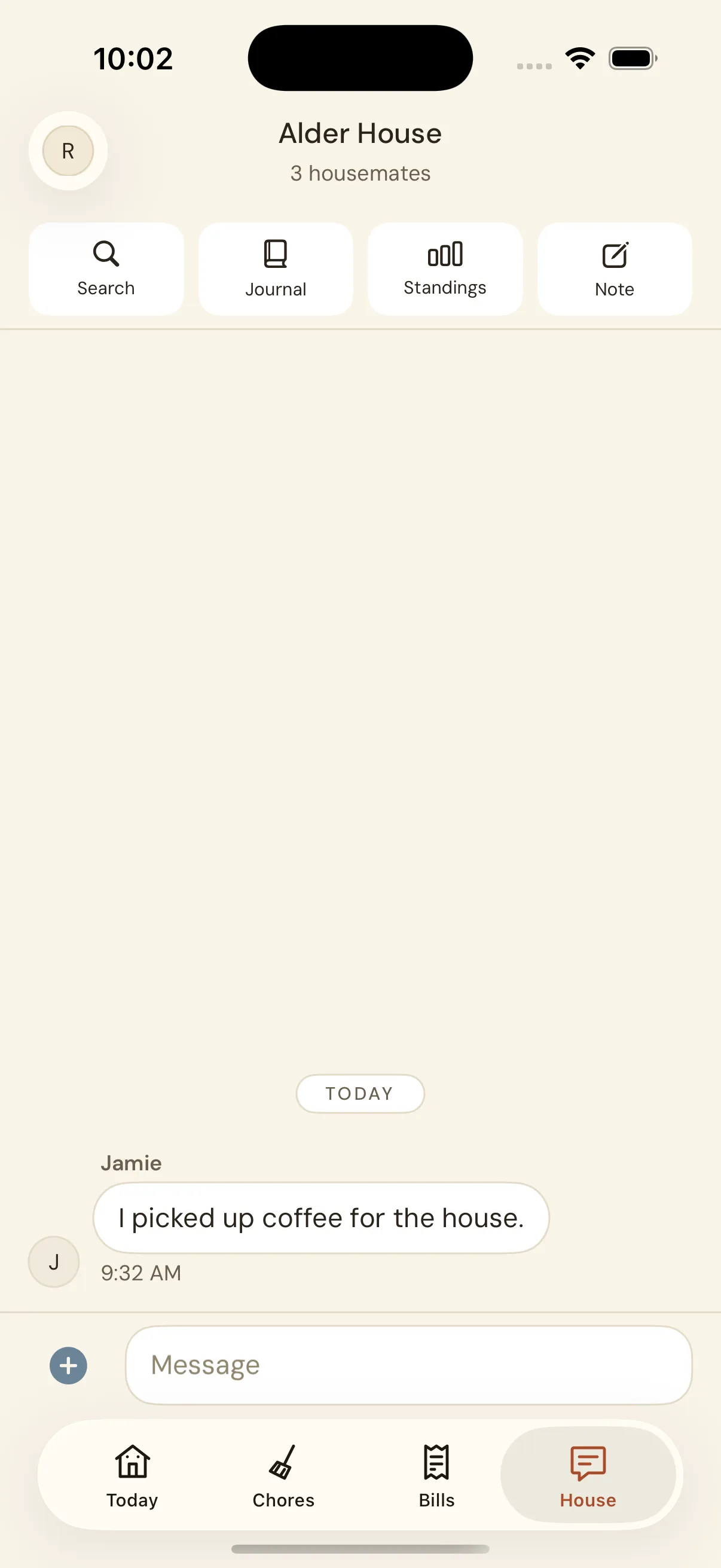
“Picked up coffee.” “Anyone home?”
Give house chat a home of its own, with search, notes, and a journal
close by.
Start with your house
Room to begin.
Room to grow.
Free for the everyday. Pro when your household needs more.
| Feature | QuartersFree to use | Quarters ProOne plan for the house |
|---|---|---|
| Housemates | Up to 5 | No cap |
| Chore rotations | Up to 3 | No cap |
| History | 60 days | Full history |
| AI setup drafts | 3 per month | 10 per day |
Shared bills, receipt attachments, and house chat are included in both.
Pro is optional. View local pricing and subscription terms in the app.
What does Quarters do?
Quarters gives your household one place for rotating chores, shared bills, and house chat. Everyone can see whose turn comes next, what they owe, and what the house has been talking about.
Does everyone in the house need an iPhone?
Yes. Quarters is an iPhone app for iOS 26 or later. Each housemate signs in with Apple and joins the household through an invite link.
How does finishing a chore work?
Every turn finishes with a fresh photo taken in Quarters. Review it, retake it if needed, then share it with the household. The turn stays open until the completion is confirmed; saved photos can retry after an interruption.
Does Quarters send payments?
No. Pay each other directly using your usual payment method, then record it in Quarters. The app keeps track of balances and paid shares; it never moves money.
Can I try it without a subscription?
Yes. The free plan includes up to 5 housemates, 3 chore rotations, 60 days of history, shared bills, and house chat. Receipt attachments are included. Quarters Pro lifts the rotation and housemate caps and unlocks full history.
Do we each need to pay for Pro?
No. One subscription covers the household. Pro also includes 10 AI setup drafts a day, compared with 3 a month on the free plan. See current local pricing and subscription terms in the app before subscribing.

Quarters for iPhone
Make a little more
room for living.
Download for iPhone
Free · iPhone · iOS 26